How do I set up a password to protect catalogs?
How do I set up a password?
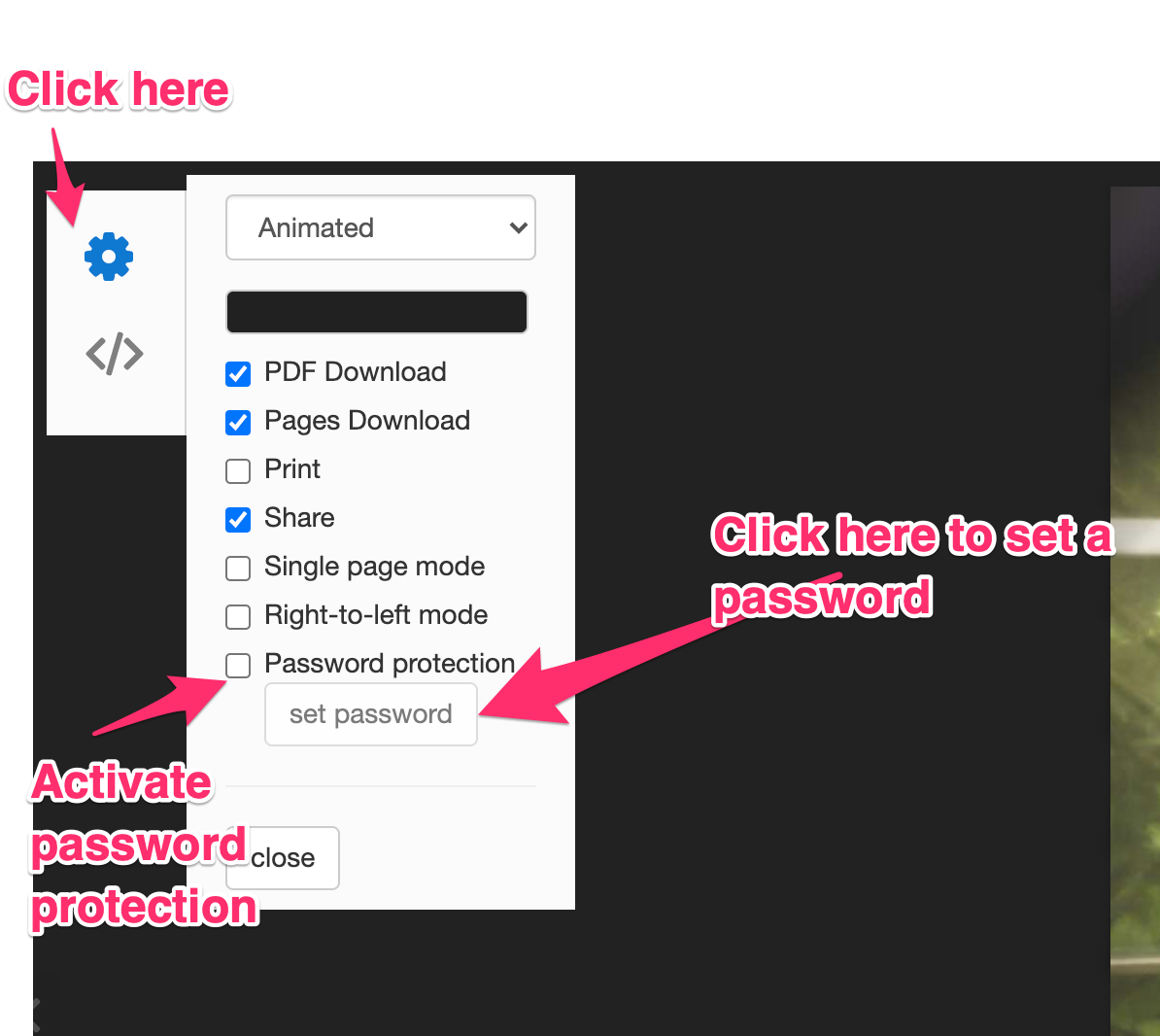
- Open your online catalog.
- Click on the setting button located in the top left corner.
- Activate the Password protection option.
- Click on the set password button.
- A new dialog will open where you can set your password, confirm it, then submit it.
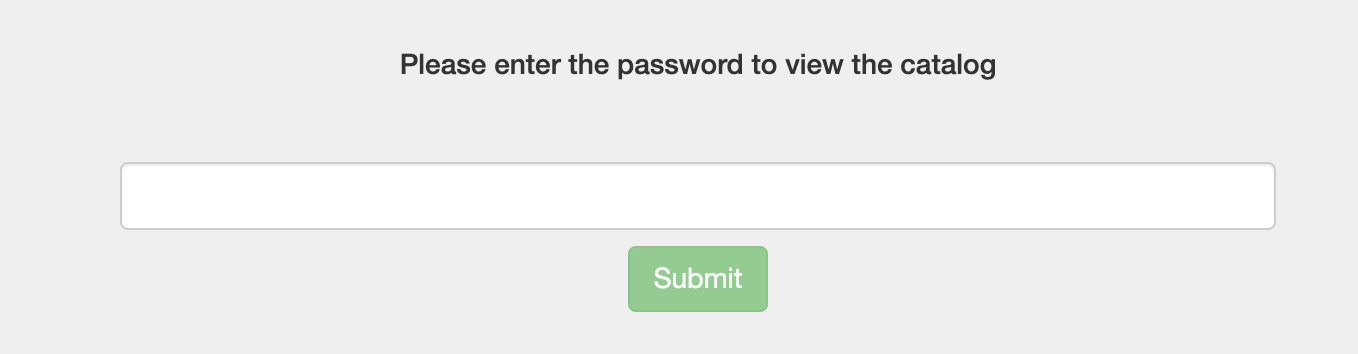
When your customer will try to access your catalog, access will be restricted unless your customer enters your password: